If you’ve ever worked on setting up an LED display, you’ve probably asked this question. How many modules can a single controll card handle? The answer isn’t straightforward. It depends on multiple factors,such as:
- Module specifications
- Display size
- whether you use cabinets.
In this post, we will guide you the calculation method.
First, let’s clarify the basics. To determine how many controll cards you need, you must first calculate the number of LED modules . If you’re using cabinets , you’ll also need to count the cabinets. Then, you can map these numbers to the load capacity of your controller cards. It usually split into receiver cards and transmitter cards .
Case 1: Outdoor P10 LED Display (36㎡, 16:9 Aspect Ratio)
Let’s start with a common outdoor project: a 16:9 P10 LED display with 36 square meters. First, we calculate the display’s actual dimensions. For a 16:9 aspect ratio, an area of 36㎡ are roughly 8 meters in length and 4.5 meters in width.
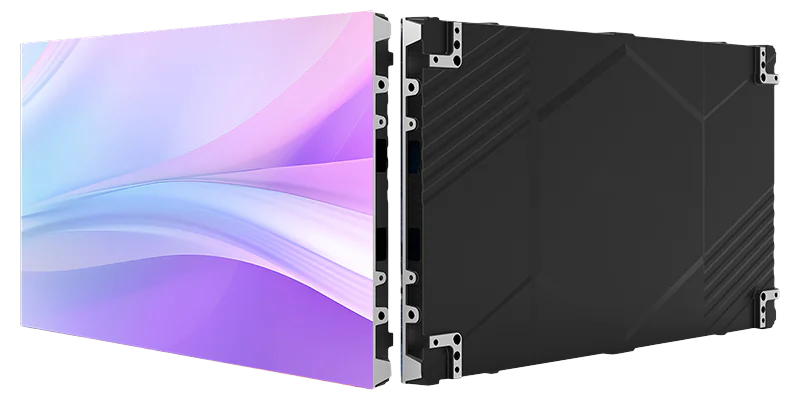
Next, let’s look at the module specs. A standard P10 outdoor LED display module measures 320mm (length) × 160mm (height). To find how many modules fit along the length and height, we do simple division:
- – Number of modules along the length: 8m ÷ 0.32m = 25 modules
- – Number of modules along the height: 4.5m ÷ 0.16m = 28.125 modules
Since partial modules aren’t usable, we round down the height to 28 modules. This gives an actual height of 28 × 0.16m = 4.48m.So, g the final display area is 8m × 4.48m = 35.84㎡ .
Cabinet Calculation (Outdoor Displays)
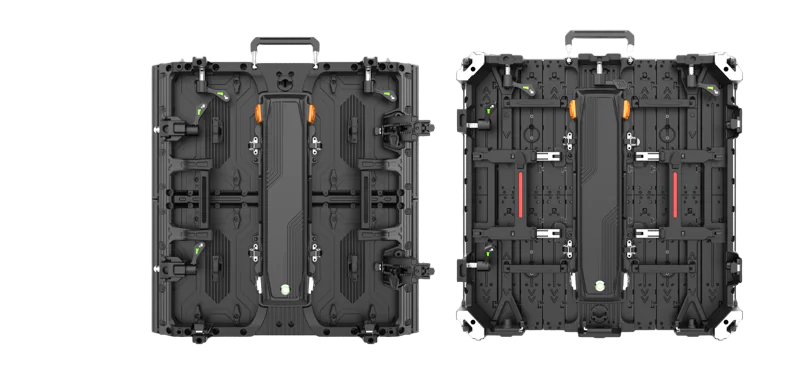
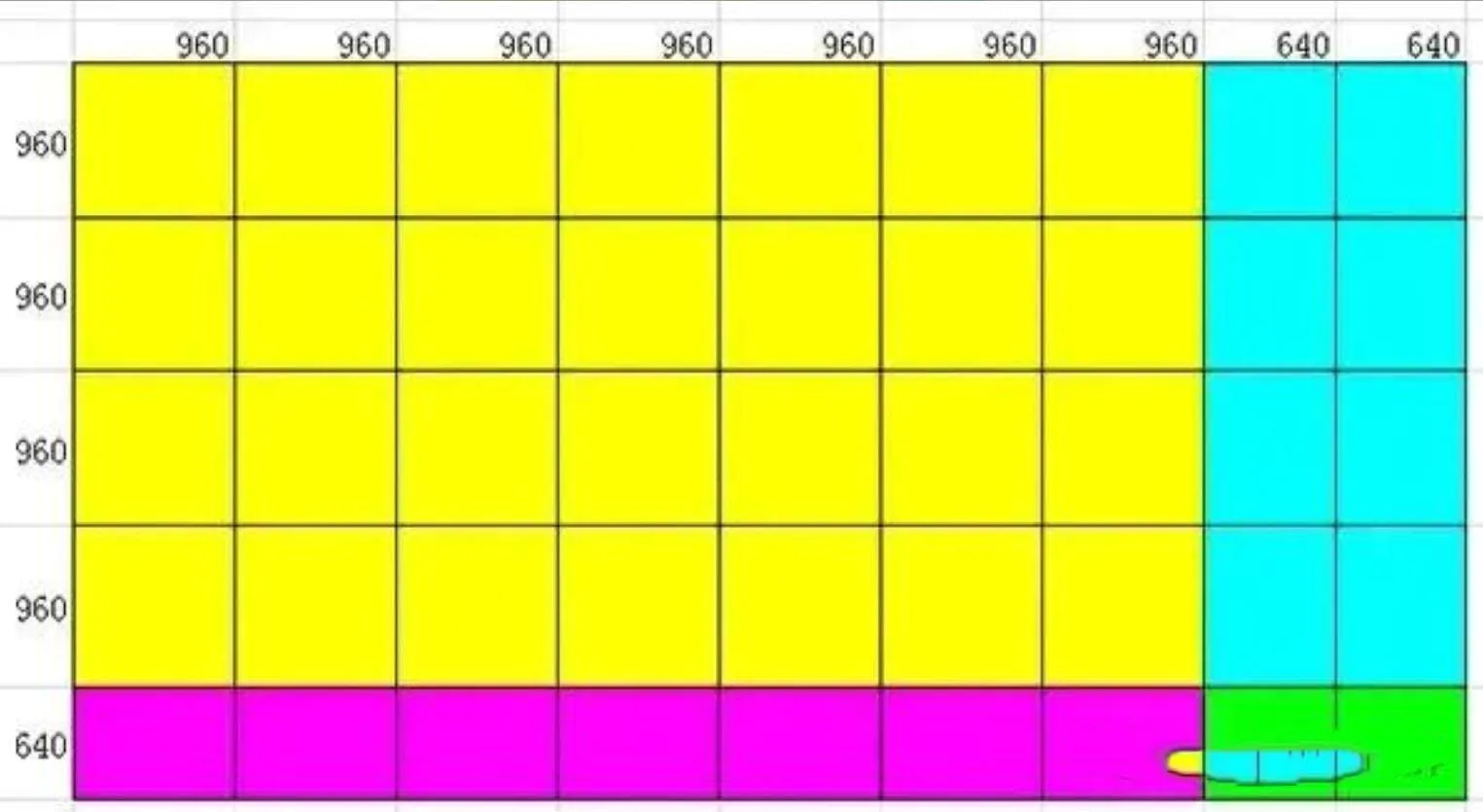
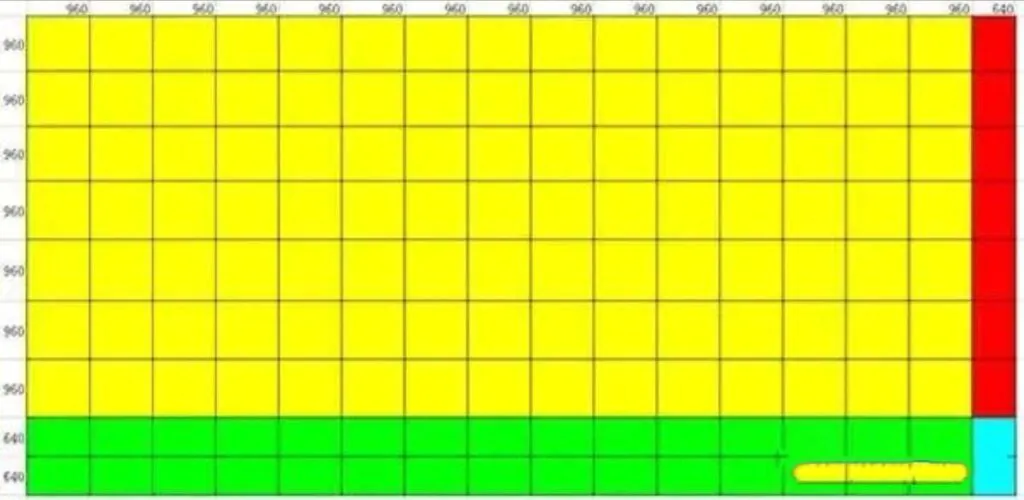
Outdoor displays often use cabinets for protection and stability. For this 8m × 4.48m display, common cabinet sizes yield the following quantities:
- – 960mm × 960mm cabinets: 28 units
- – 640mm × 960mm cabinets: 8 units
- – 960mm × 640mm cabinets: 7 units
- – 640mm × 640mm cabinets: 2 units
Receiver Card Load Capacity
Receiver cards handle signal distribution to modules. A P10 module has 32 pixels in length and 16 pixels in height. Let’s use Linsn LED receiver cards. It is one of the most widely used models. It supports up to 128 horizontal pixels and 384 vertical pixels.
Calculating how many modules one receiver card can carry:
– Horizontal capacity: 128 pixels ÷ 32 pixels per module = 4 modules
– Vertical capacity: 384 pixels ÷ 16 pixels per module = 24 modules
Now, let’s match this to cabinets. A 960mm × 960mm cabinet holds 3 horizontal modules (3 × 320mm = 960mm) and 6 vertical modules (6 × 160mm = 960mm). Clearly, one receiver card can easily cover one cabinet. this is the “one cabinet, one card” principle in the industry.
We don’t recommend using one receiver card for two cabinets, as it may cause signal lag or instability. For our display, if arranged into 9 horizontal cabinets and 5 vertical cabinets, the total number of receiver cards is 9 × 5 = 45 units.
Indoor P10 Display (No Cabinets)
If we use the same module count for an indoor P10 display (no cabinets needed), the receiver card calculation changes slightly. We directly map the total modules to the card’s capacity:
– Horizontal receiver cards:
25 modules ÷ 4 modules per card = 6.25. We always round up fractions, so you need 7 cards.
– Vertical receiver cards:
28 modules ÷ 24 modules per card = 1.67, rounding up to 2 cards.
Total receiver cards for the indoor display: 7 × 2 = 14 units.
Sending Card Calculation
Sending cards send signals from the source to receiver cards. A standard transmitter card supports up to 2048 horizontal pixels and 640 vertical pixels. Let’s calculate the total pixels of our 35.84㎡ display:
– Total horizontal pixels: 25 modules × 32 pixels = 800 pixels
– Total vertical pixels: 28 modules × 16 pixels = 448 pixels
With 800 horizontal pixels and 448 vertical pixels, one transmitter card is more than enough to handle the load.
Case 2: Larger Display (120.32㎡)
Let’s scale up to a 120.32㎡ display. It measures 15.04m in length and 8m in height. The calculation logic remains the same, but we’ll see how transmitter card needs change with size.
Module and Pixel Count
- – Horizontal modules: 15.04m ÷ 0.32m = 47 modules
- – Vertical modules: 8m ÷ 0.16m = 50 modules
- – Total horizontal pixels: 47 modules × 32 pixels = 1504 pixels
- – Total vertical pixels: 50 modules × 16 pixels = 800 pixels
Transmitter Card Requirement
– Horizontal capacity: 2048 pixels ÷ 1504 pixels = 1 card (no rounding needed)
– Vertical capacity: 800 pixels ÷ 640 pixels = 1.25. Round up to 2 cards.
Total transmitter cards:
2 units.
Remember:
Any decimal in controller card calculations means you need an extra card, as partial cards can’t function.
Receiver Cards for Large Indoor Display (No Cabinets)
– Horizontal receiver cards:
1504 pixels ÷ 128 pixels per card = 11.75 → round up to 12 cards
– Vertical receiver cards:
800 pixels ÷ 384 pixels per card = 2.08 → round up to 3 cards
Total receiver cards:
12 × 3 = 36 units.
If using cabinets, we’d stick to the “one cabinet, one card” rule, resulting in 144 receiver cards for this size.
Cabinet vs. Strip Screens: Which to Choose?
Now, a quick tip on cabinet usage. The safety and stability matter is more than cost savings here. For displays over 20㎡, we highly recommended use cabinets. They provide better load-bearing support and protect modules from outdoor elements.
For smaller displays , such as a few square meters to 10㎡, strip screens (no cabinets) work fine. But for displays between 10㎡ and 20㎡, you had better use cabinets. Strip screens have weak load-bearing capacity; they can’t support large displays and may lead to dangerous collapses.
Don’t cut corners to save money on cabinets. A single accident could cause irreparable damage or safety hazards.
Conclsuion:
By above guide, we know calculating controller card capacity has three steps.
You first calculate module count based on display size, match modules to receiver card pixel capacity, and round up any decimals. You should follow the “one cabinet, one card” rule for outdoor displays, and never overload receiver cards with multiple cabinets.
Every project is unique. But with the logic above, you’ll be able to estimate the right number of cards for most LED display setups. If you’re unsure about your specific project, contact us for tailored advice.