A great LED display screen can make or break a modern stage production. But if you’ve ever found yourself wondering, “How big should it actually be?”. You’re not alone. Today,we will guide you these details.
LED Display Pixel Pith
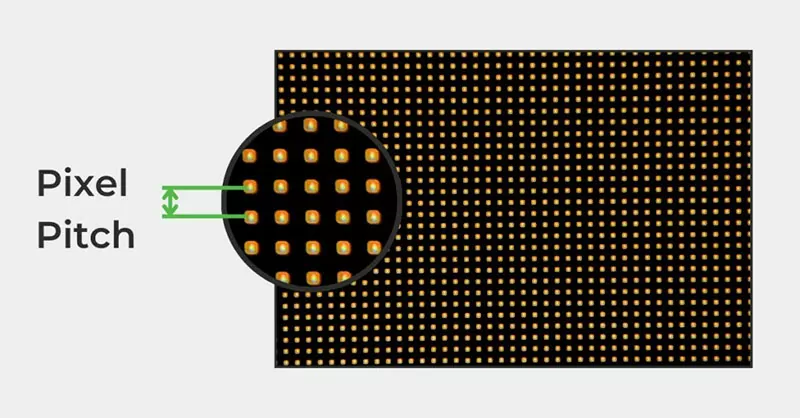
Forget thinking only in meters or feet. An LED screen isn’t just a surface. it’s a canvas made of tiny lights called pixels.
The key relationship you need to remember is:
Physical Size = Pixel Count × Pixel Pitch
That’s the heartbeat of every calculation we’ll do.
Key Terms Made Simple
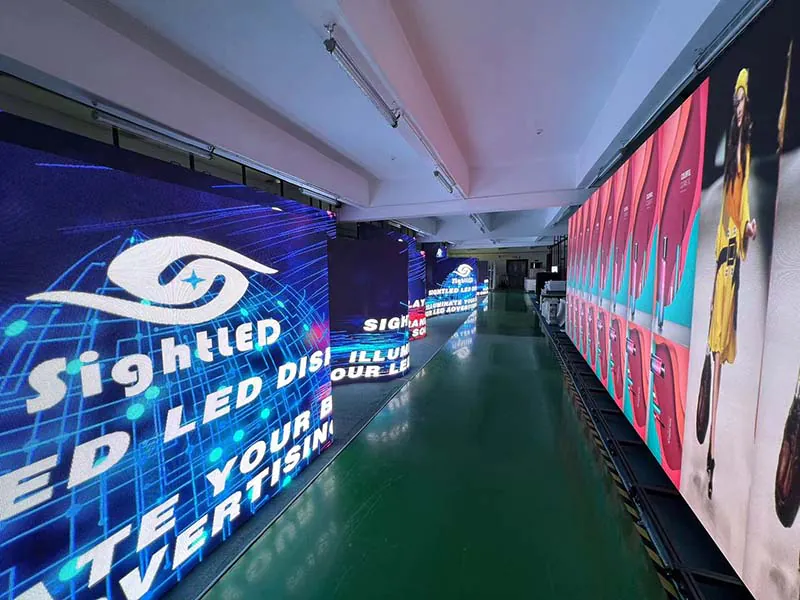
Pixel Pitch (P2.97,P3.91, P4.81 etc.)
It refers to the distance from the center of one LED pixel to the next. Smaller pitch = tighter pixels = sharper image up close. You can think of it like thread count in sheets: the finer, the better for detail.
Resolution
The total number of pixels horizontally and vertically (e.g., 1920 × 1080). More pixels mean higher potential clarity, but only if your content matches.
Modules & Cabinets
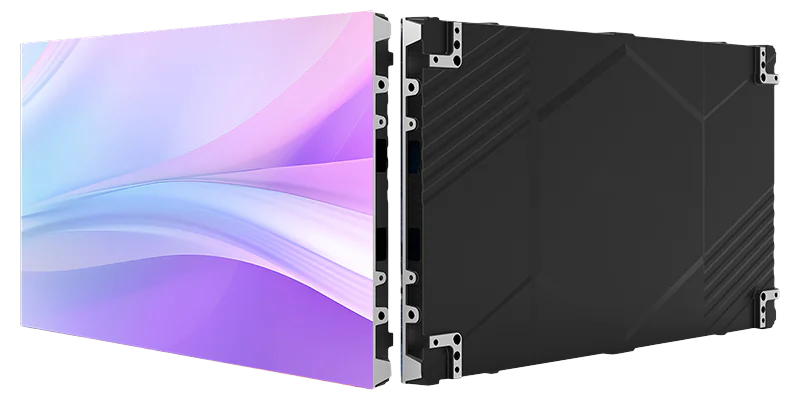
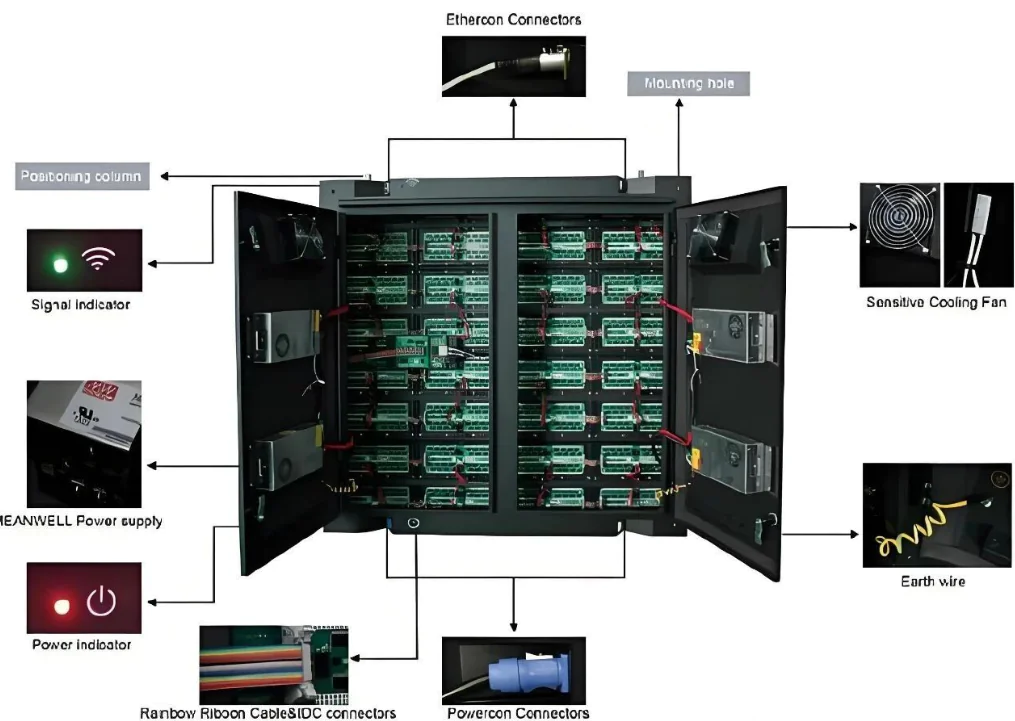
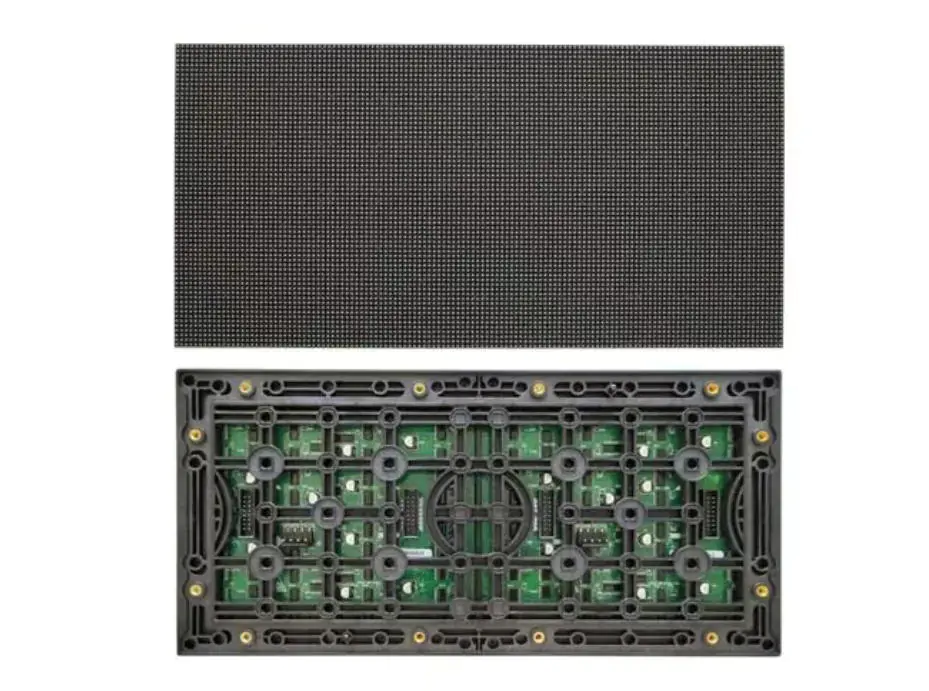
Modules are the smallest building blocks; LED display cabinets are larger sections you bolt together on-site. Your screen size will always be a multiple of these units.
How to Choose the Right Pixel Pitch
A handy rule of thumb:
Minimum viewing distance (in meters) ≈ Pixel Pitch (mm) ÷ 0.6
So for a P3.91 screen, don’t seat anyone closer than about 6–7 meters.
Also consider:
Budget: Smaller pitch usually means higher cost.
Use Case: Up-close events like TV shows, conferences, you need fine pitch ,like P2.6–P3.91 . For Big concerts or outdoor events, you can use P3.91–P4.81 and save some cash.
4 Steps to Claculate Stage Screen Size
Let’s translate these concepts into a practical, step-by-step plan.
Step 1: Define Your Needs and Constraints
Before any math, you need to answer these questions:
Stage Dimensions:
What is the maximum width and height available on the stage? The screen must fit within this space, often with a border.
Content Aspect Ratio:
What is the native shape of your videos and graphics? The most common is 16:9 ,like the standard for HD video. Others include 4:3 or 2.35:1 . The screen’s shape should match your content’s shape to avoid black bars or distorted stretching.
Audience Viewing Distance:
Where are the closest and farthest spectators? This directly dictates your pixel pitch choice from Step 1.3.
Budget:
It is realistic. Your budget will quickly narrow down your pitch and size options.
Step 2: Determine the Screen’s “Shape” and “Approximate Area”
There are two main paths here:
Method A:
You can Star from Content Resolution (Ideal) . It is best when you have control over content creation.
Example:
You need to display native 16:9 1080p video. Your target resolution is 1920×1080 pixels.
You’ve chosen a P3.91(P4) pitch based on viewing distance.
Width = 1920 pixels × 0.004 meters/pixel = 7.68 meters
Height = 1080 pixels × 0.004 meters/pixel = 4.32 meters
So, Your ideal screen size is 7.68m x 4.32m.
Method B:
You can Start from Stage Dimensions (Common). It is used when the installation space is the limiting factor.
Example: Your stage backdrop is 10 meters wide and 6 meters high. You want a 16:9 screen.
Option 1 (Maximize by Height):
A height of 6m would require a width of 6m × (16/9) ≈ 10.67m. This is too wide for the stage.
Option 2 (Maximize by Width):
A width of 10m would require a height of 10m × (9/16) = 5.625m. This fits perfectly.
Your planned screen size is 10m x 5.625m.
Step 3: Derive the “Actual Pixel Resolution”
Now, take your physical size and chosen pitch to find out what resolution your screen will actually be. Let’s continue with Method B’s result: 10m x 5.625m, with a P4 (0.004m) pitch.
Width in Pixels = 10 meters / 0.004 meters/pixel = 2500 pixels
Height in Pixels = 5.625 meters / 0.004 meters/pixel = 1406.25 pixels
Here’s a critical reality check:
Your screen’s native resolution is 2500×1406. However, it is not a standard video resolution like 1920×1080. You must communicate this exact resolution to your content creator! They will need to build or scale the graphics to this custom size to ensure everything looks sharp and correct. Alternatively, you can adjust the physical dimensions slightly to hit a standard ratio.
Step 4: The Final Check: Matching Cabinet Sizes
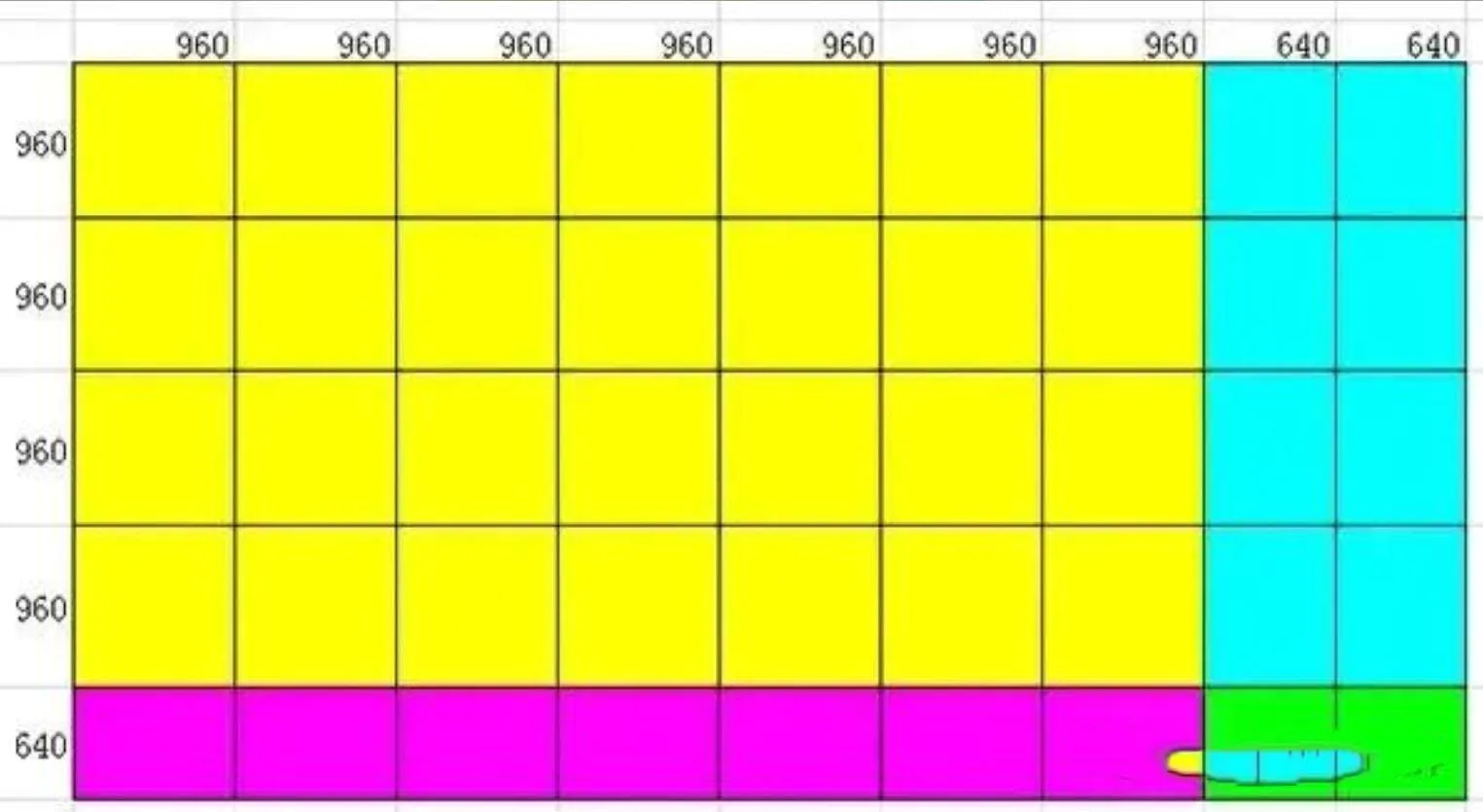
This is the step that turns plans into a buildable reality. Stage LED Displays are built from whole cabinets, not fractional parts. You must round your dimensions to the nearest whole number of cabinets.
Example:
Your planned size is 10m x 5.625m. Your chosen P3.91(P4) cabinets are 0.5m x 0.5m.
Number of cabinets wide = 10m / 0.5m = 20 cabinets.
It is Perfect.
Number of cabinets high = 5.625m / 0.5m = 11.25 cabinets. Impossible!
You can’t install a quarter of a cabinet. You have two choices:
Round Down to 11 cabinets: New height = 11 x 0.5m = 5.5m. Final size: 10m x 5.5m.
Round Up to 12 cabinets: New height = 12 x 0.5m = 6m. Final size: 10m x 6m.
Finally, you then re-run Step 3 with the adjusted physical size to get your final, buildable resolution.
Case Study: Calculating Main Screen size for Corporate Gala
Scenario:
- A company year-end party. The stage opening is 12 meters wide.
- The farthest audience member is 30 meters away
- The closest is 6 meters.
- The Content will be 16:9 PowerPoint slides and videos.
The Calculation Process:
Choose Pixel Pitch:
Becuase the Closest viewer is at 6m. Using our rule (Pitch = Viewing Distance x 0.6), we get 6 x 0.6 = 3.6mm. We need a pitch of roughly P3.6 or smaller.
To balance quality and cost for this event, we select a P4 screen, which has a minimum viewing distance of about 6.7m. It is close enough Because of the content (PPT) will not require ultra-fine detail.
Determine Size:
We’ll maximize within the 12m stage, leaving space on the sides for decor. Let’s plan for a 10-meter width.
For a 16:9 ratio: Height = 10m × (9/16) = 5.625m.
Calculate Resolution:
With P4: Width = 10m / 0.004m = 2500 pixels. Height = 5.625m / 0.004m = ~1406 pixels.
Match Cabinets:
Using 0.5m x 0.5m cabinets:
Width = 20 cabinets (perfect).
Height = 11.25 cabinets (not perfect).
We decide to round down to 11 cabinets to ensure it fits comfortably under the 6m stage height.
Final Height = 5.5m.
Final Specification:
Physical Size: 10.0m (W) x 5.5m (H)
Pixel Pitch: P4 (4mm)
Native Resolution: 2500 x 1375 pixels
Content Guide:
All graphics and videos should be created or scaled to 2500×1375 pixels for the sharpest results.
FAQs:
Q: Is higher resolution always better?
A: No, Only if your content supports it. A 4K image on a low-res screen wastes effort.
Q: Should I max out the screen size?
A: You can balance visibility with stage aesthetics. Too big can overwhelm the performers.
Q: My pixel count isn’t a round number. What now?
A: You should always tweak dimensions to fit full cabinets. It is Perfect math comes second to practical installation.
Q: Does this work for side screens or floor LEDs?
A: Yes. The same logic, but watch viewing angles and aspect ratios.
Wrap-Up
If you want to build a LED screen to math with practicality. You can start with your stage and audience, choose a sensible pixel pitch, match your content ratio, and fit it all together using real cabinet sizes.
As a professional LED display manufacturer, if you still don’t know how to calculate, you can contact us. Of course, if you need a stage LED screen, you can also contact us.